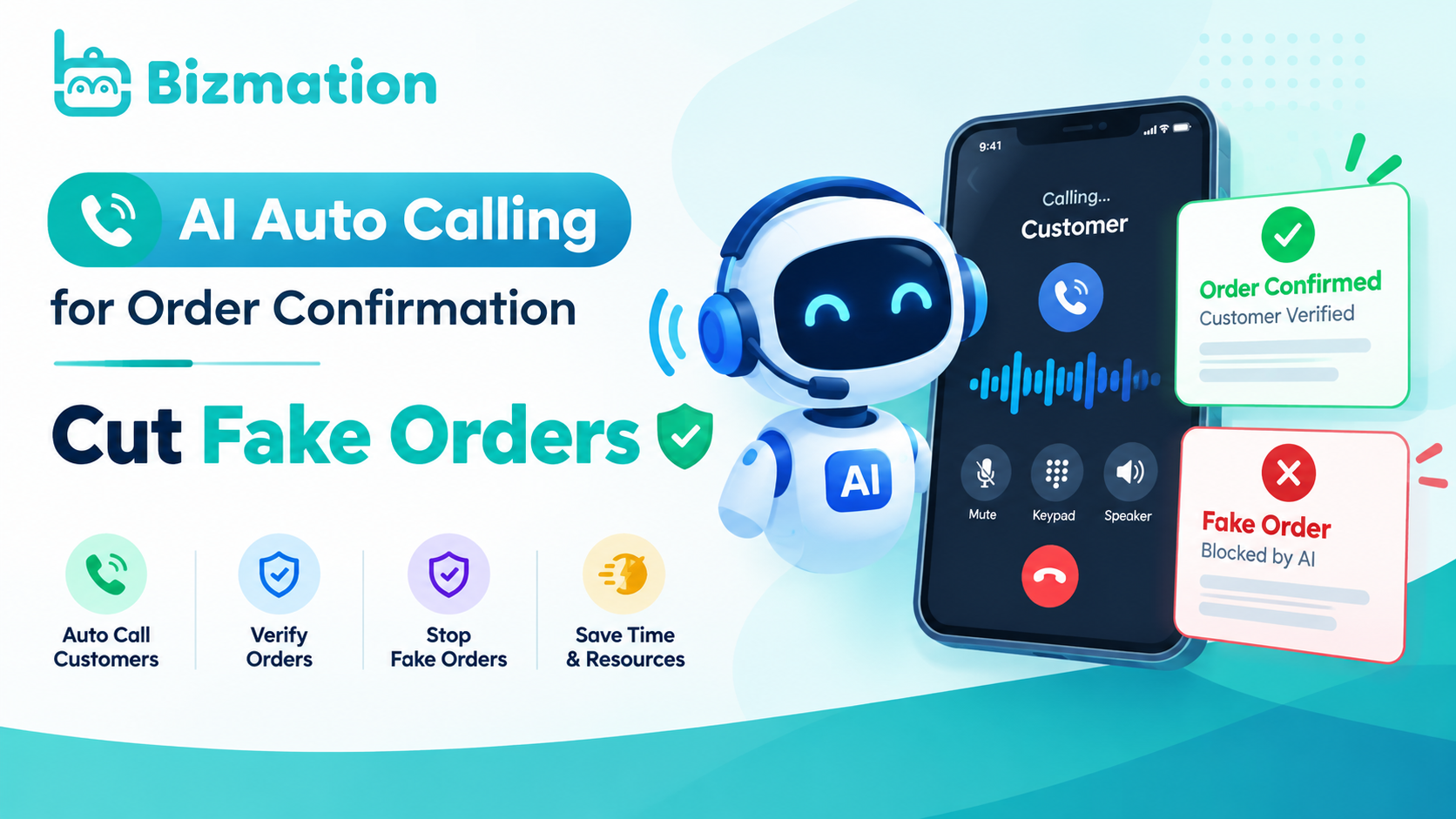
Fake and unconfirmed orders drain time and money, but ai auto calling for order confirmation stops this by verifying customers instantly. When a new order arrives, the system dials the buyer immediately to confirm details before packing anything. This simple check cuts fake orders by up to 90% because scammers rarely answer live calls. You save staff hours and reduce return shipping costs since every package goes to a real person. This guide explains exactly how the technology works, the steps to set it up, and why it matters for your bottom line.
Order verification calling uses software to dial customers automatically right after they place an order. The system asks simple questions like "Did you just order a blue shirt?" Or "Is your address correct?" If the person answers yes, the order moves to packing. If no one answers or they say no, the system flags the order for review.
Many store owners think this is only for huge companies, but small shops in Bangladesh use it too. It solves the problem of people ordering items they never intended to buy or using stolen cards. Unlike manual checks that take hours, this happens in seconds while you sleep.
The process doesn't replace human judgment; it filters out obvious bad orders so your team focuses on real sales. Some worry it feels robotic, but modern voices sound natural and polite. You can record your own message or choose a friendly pre-made one.
This tool protects your stock and ensures delivery drivers don't waste fuel on empty trips. A single failed delivery often costs far more than the profit from several successful ones, making this check essential for thin margins.
For local cash-on-delivery zones, require a verbal confirmation of the exact total before dispatching the rider. If a customer says they didn't place the order, cancel immediately and block the number to prevent a second attempt. Never ship an item if the voice recording sounds hesitant or if the background noise suggests a call center scam.
Human agents should only step in when the automated system marks an order as "uncertain" rather than "failed." This distinction saves your staff from calling every single customer while still catching the dangerous transactions. Your warehouse space stays reserved for genuine buyers instead of sitting idle with returned goods that degrade over time.
Setting up this system takes less than an hour if you follow these steps carefully. Most platforms like Bizmation handle the technical parts so you don't need coding skills.
Connect your store account to the automation platform by entering your API key from your shop settings.
Upload your customer phone list or enable real-time syncing so every new order triggers a call instantly.
Record a thirty-second script asking the customer to confirm their name, item, and delivery address clearly.
Set the rule to mark orders as "confirmed" only when the customer presses 1 or speaks "yes" during the call.
Choose what happens for failed calls, such as sending an SMS backup or holding the order for manual review.
Test the system with five dummy orders to ensure calls connect and status updates happen correctly in your dashboard.
Turn on the live mode and monitor the first twenty calls to catch any connection issues early.
The most important decision is how many times the system retries a missed call. If you retry too often, you annoy real customers; if you retry too little, you miss genuine buyers who were busy. One retry after ten minutes usually works best for most shops.
If your business handles high-value items like electronics, you might want a human agent to call back personally instead of relying solely on automation. This step requires no special license, but you must follow local telecom rules about calling hours to avoid fines.
Different situations need different calling strategies to get the best confirmation rates without annoying buyers. The table below shows common scenarios and the right settings for each.
|
Situation |
What to use |
How long |
What to watch for |
|---|---|---|---|
|
Standard retail orders |
Automated voice call |
30 seconds |
Low answer rate on weekends |
|
High-value electronics |
Human callback + SMS |
2 minutes |
Customers asking for ID proof |
|
Rural delivery areas |
SMS first, then call |
45 seconds |
Poor network connectivity delays |
|
Repeat loyal customers |
Skip call, trust history |
0 seconds |
Sudden change in shipping address |
|
Cash on delivery only |
Mandatory voice confirm |
40 seconds |
Refusal to confirm payment method |
|
International shipments |
Email + Call combo |
60 seconds |
Time zone mismatches causing sleep calls |
You'll notice that rural areas often have weaker signals, so adding an SMS step helps reach people who miss the call. For repeat buyers, skipping the call speeds up delivery and makes them feel trusted. Always check your answer rates daily; if they drop below 60%, your script might be too long or confusing. Adjusting these settings based on your specific customer base improves success significantly over time.
Experienced sellers know that timing and tone matter more than the technology itself. They schedule calls between 10 AM and 8 PM local time because calling early morning or late night angers people. A friendly, slow-speaking voice gets twice as many confirmations as a fast, robotic one.
These pros also update their scripts every month to match current promotions or holidays. They never use the same generic message for a wedding dress and a spare car part. If you sell luxury goods, pause two seconds after stating the price to let the value sink in. For commodity items like spare parts, state the price immediately to respect the buyer's urgency.
Another trick is adding the customer's name in the first sentence to grab attention immediately. Beginners often make the mistake of making the script too long, listing every single item detail. This bores the listener, and they hang up before confirming anything. Keep it under thirty seconds. If the call drags past forty-five seconds, your conversion rate will likely drop by half regardless of how good the offer is.
Also, always offer an option to speak to a human if the automated system fails. This builds trust and saves sales that would otherwise be lost. When a customer asks for a human twice, transfer them instantly rather than trying one more automated prompt. That second request signals genuine frustration, and pushing further guarantees a lost sale.
If your system marks an order as fake, double-check the phone number format before deleting it completely. Sometimes a missing area code causes the failure, not a fraudulent intent. Check specifically for ten-digit sequences without parentheses or dashes, as these often trigger false positives in older validation software. Restoring these valid numbers can recover up to fifteen percent of your flagged leads.
Even good systems face issues, but most have quick fixes if you know what to look for. The table below matches common problems with their likely causes and solutions.
|
What you notice |
What it usually means |
What to do first |
|---|---|---|
|
Calls go straight to voicemail |
Wrong time zone setting |
Shift calling window by 2 hours |
|
Customer hangs up immediately |
Script sounds too salesy |
Rewrite opening to sound helpful |
|
System marks real orders as fake |
Voice recognition too strict |
Lower sensitivity or add SMS fallback |
|
No calls triggering at all |
API connection broken |
Re-enter store API key in settings |
|
Customers complain of spam |
Calling frequency too high |
Limit retries to once per day |
If your API connection breaks, the fix is usually just refreshing the link between your store and the calling tool. Check your integration settings first before contacting support. For voice recognition errors, switching to a "press 1 to confirm" button is often more reliable than waiting for spoken words. This works better in noisy environments where background sound confuses the software. Never ignore complaints about spam; reduce your call frequency immediately to protect your brand reputation.
Telecom regulations strictly control how and when you can contact customers automatically. In many countries, including Bangladesh, you can't call before 8 AM or after 9 PM without permission. The Bangladesh Telecommunication Regulatory Commission sets these hours to protect consumer peace. Violating these rules can lead to heavy fines or your number getting blocked permanently.
You must also give customers a clear way to opt out of future automated calls. This means adding a "don't call" feature in your system settings that works instantly. If a user presses one key to leave your list, your software must stop dialing them within the hour. Waiting until the next day to process this request breaks the law and angers people who just asked for silence.
Data privacy laws require you to store recorded calls securely and delete them after a set period, usually six months. Never share these recordings with third parties unless the customer agrees explicitly in writing. A common mistake is saving backups forever "just in case," which turns a routine audit into a massive legal liability when old files surface unexpectedly.
If you handle international orders, check the specific rules of that country because some ban automated calls entirely. Europe often demands prior written consent before any robot speaks, while other regions allow it only for existing debts. Following these rules keeps your business safe and builds long-term trust with buyers who know you respect their time and privacy.
After setup, your system needs regular checks to stay effective and accurate. Review your call logs weekly to spot patterns like high failure rates on certain days. If failures cluster on Mondays, your staff might be rushing through scripts after the weekend, requiring a brief team huddle before shifts start.
Update your contact script whenever you launch new products or change shipping policies. A common mistake is updating the website but forgetting the voice prompt, which confuses customers who hear old prices and hang up immediately.
Clean your customer phone list monthly to remove invalid numbers that waste your calling credits. If more than five percent of your dials fail in a single week, pause the campaign and scrub the entire database before spending another dollar.
Most platforms send alerts if your connection drops, but don't wait for them; check your dashboard daily. If you notice a sudden spike in fake orders, your script might need tweaking to ask harder verification questions. Require the last four digits of a zip code when order values exceed two hundred dollars to filter out bots effectively.
Store your call records for at least three months to resolve any disputes with delivery partners or customers. Legal teams often need audio proof from sixty days prior, and missing files can cost you the entire claim amount.
Don't let your software version get outdated, as security patches often fix critical bugs. Schedule these updates for Tuesday mornings when call volume is lowest to avoid interrupting live sales. A well-maintained system continues to save money year after year without extra effort.
Automated calling isn't the right choice for every situation or business type. If you sell very expensive custom items like bespoke suits or made-to-order jewelry, a personal human call is better. Buyers of luxury goods expect a concierge experience, not a robot. A machine can't answer specific questions about fabric weight or gemstone clarity, and that hesitation kills the sale immediately.
Similarly, if your customers are mostly elderly people who struggle with technology, they may hang up confused. In these cases, train your staff to make warm, personal calls instead. Older demographics often view unknown numbers with suspicion, and a recorded voice confirms their fears rather than easing them.
Another scenario is during a major crisis or natural disaster when people are stressed; automated calls feel insensitive then. Pause the system and switch to manual communication until things settle down. A generic reminder sounds tone-deaf when a family has just lost power or property, damaging your brand reputation for years.
If your order volume is extremely low, say under ten per day, the cost of the tool might not justify the savings. Just call those few customers yourself. The fifteen minutes required to dial manually costs less than the monthly subscription fee for software you barely use. Knowing when to turn off the automation shows you care about quality over speed.
A standard confirmation call lasts between 20 and 40 seconds depending on the customer's response speed. This assumes a simple script asking for name and address verification only. If the customer has questions or the connection is poor, it might stretch to one minute. You should design your script to stay under 30 seconds to keep attention high. Longer calls increase the chance of hanging up before confirmation.
Yes, storing recordings is safe if you follow data protection laws and encrypt your files. You must delete these records after six months unless a legal dispute requires keeping them longer. Never store credit card numbers or sensitive personal data within the audio file itself. Use secure cloud storage provided by reputable automation platforms like Bizmation. Always inform customers in your privacy policy that calls are recorded for quality assurance.
If the customer doesn't answer, the system typically sends an automatic SMS with a link to confirm. Most setups allow one retry call after 15 minutes before marking the order as pending review. You can configure the system to hold the order for 24 hours until manual staff intervenes. This prevents canceling real orders just because someone was busy at that moment. Never cancel an order immediately after one missed call.
Yes, you can record your own voice or hire a professional actor to create a custom message. Many platforms let you upload MP3 files directly into the campaign settings. This helps your brand sound unique and friendly rather than generic. You can also change the tone based on the product category, like using a cheerful voice for toys. Custom voices increase trust and confirmation rates significantly compared to standard robotic tones.
Orders get marked as fake when numbers are disconnected or customers deny placing them. Voice recognition software can also misunderstand accents or background noise as negative responses.
Start by testing this tool on your next batch of orders to see the difference yourself. You'll quickly notice fewer wasted packages and happier staff members. It's a small change that protects your business growth, so don't wait to give it a try today.